
Website Feedback Tool
Website feedback tool to build better sites
Capture bugs and feature requests that are easier to understand and faster to action.
Join over 20,000 teams collecting more insights with Userback and user surveys

















Collect more feedback
User-friendly website feedback tools
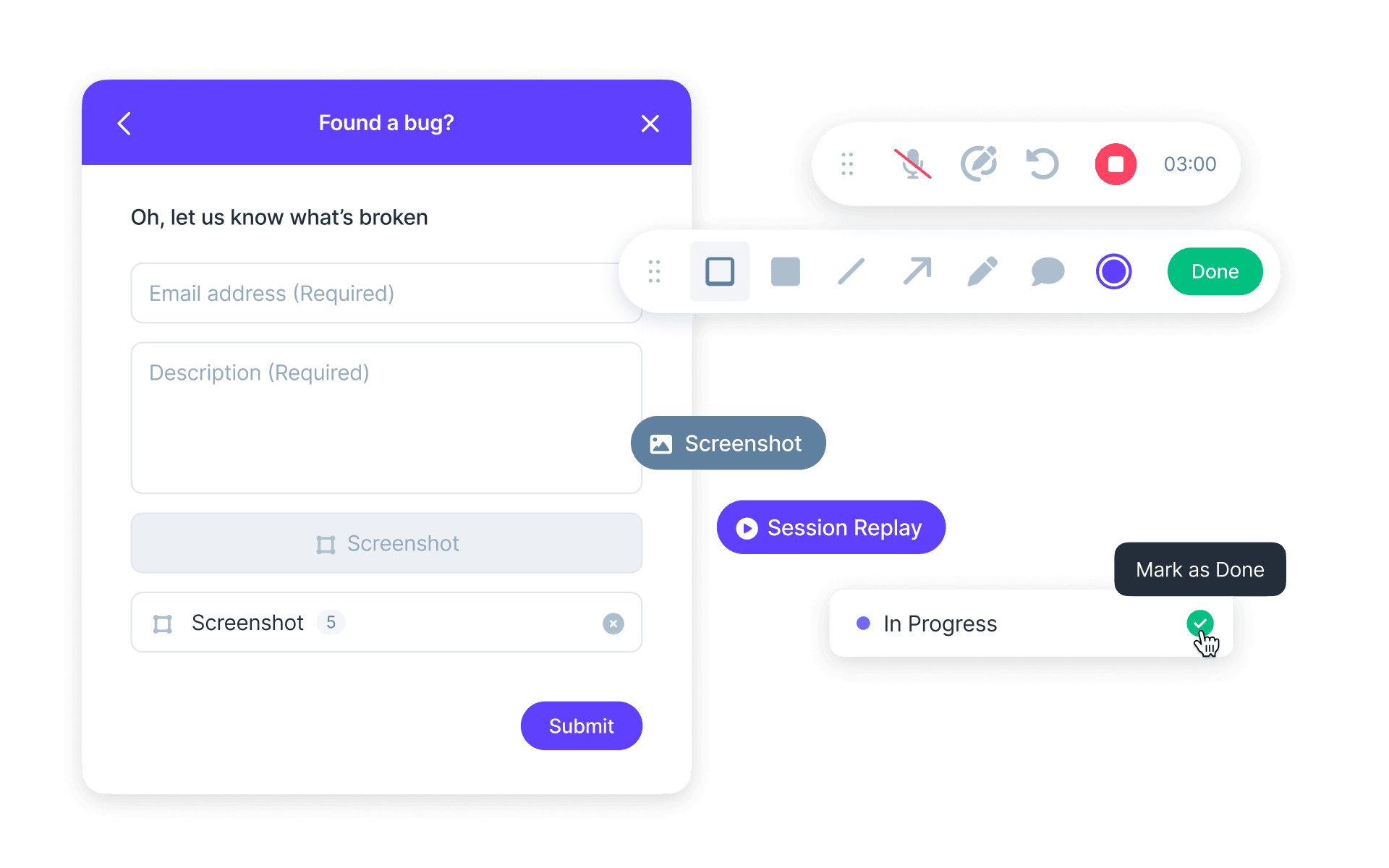
Make the feedback process easy, intuitive, and engaging for your users and let them provide detailed feedback in your website or application.
- Capture Annotated Screenshots with comments
- Create always-on feedback with flexible Widgets
Understand issues faster
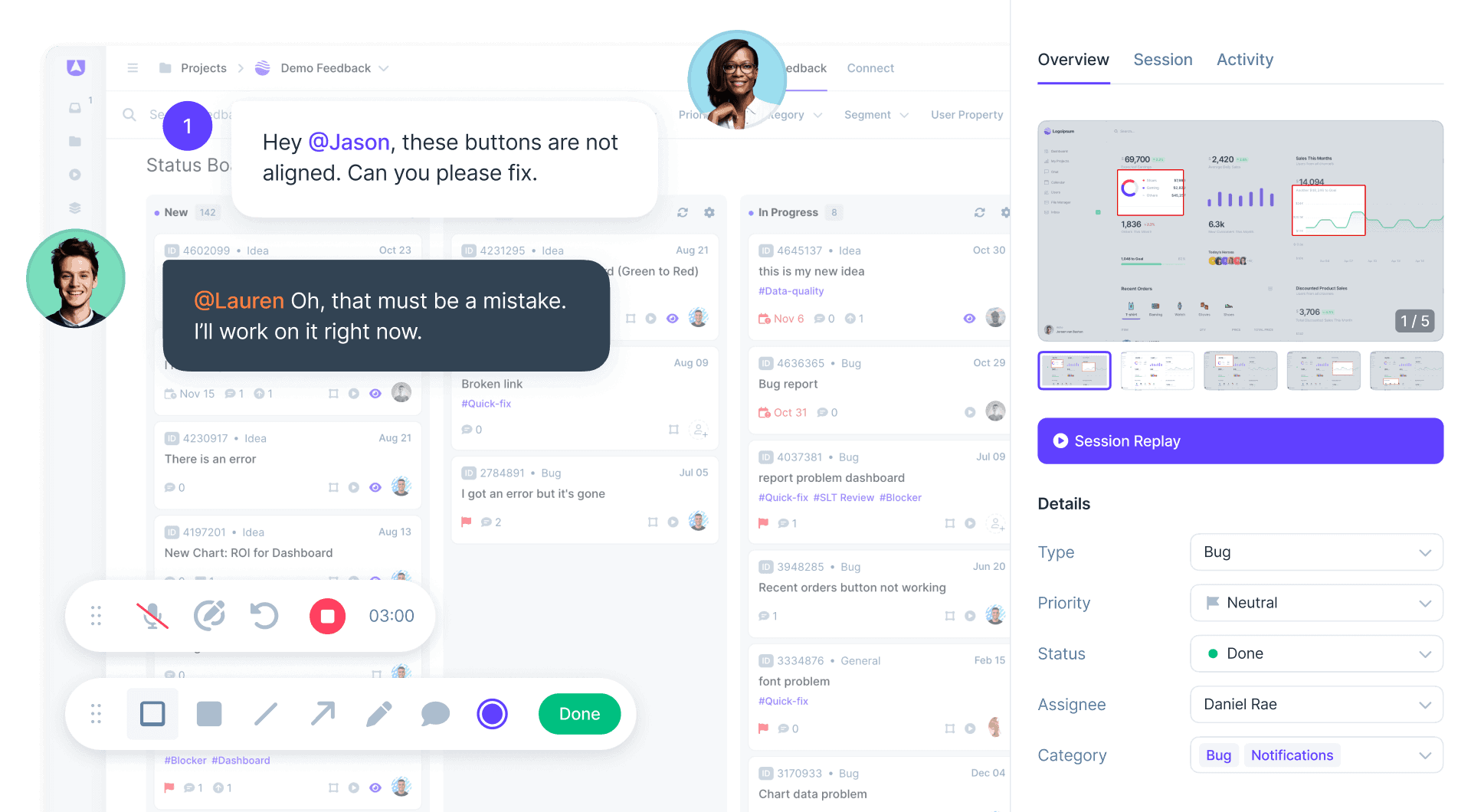
No more ambiguous feedback
Prevent mis-communication and resolve issues up to 70% faster by capturing highly contextual and precise user feedback right at the source.
- Session Replays to instantly understand issues
- Capture meta-data and user information

Streamline user feedback
Save time and manage everything together
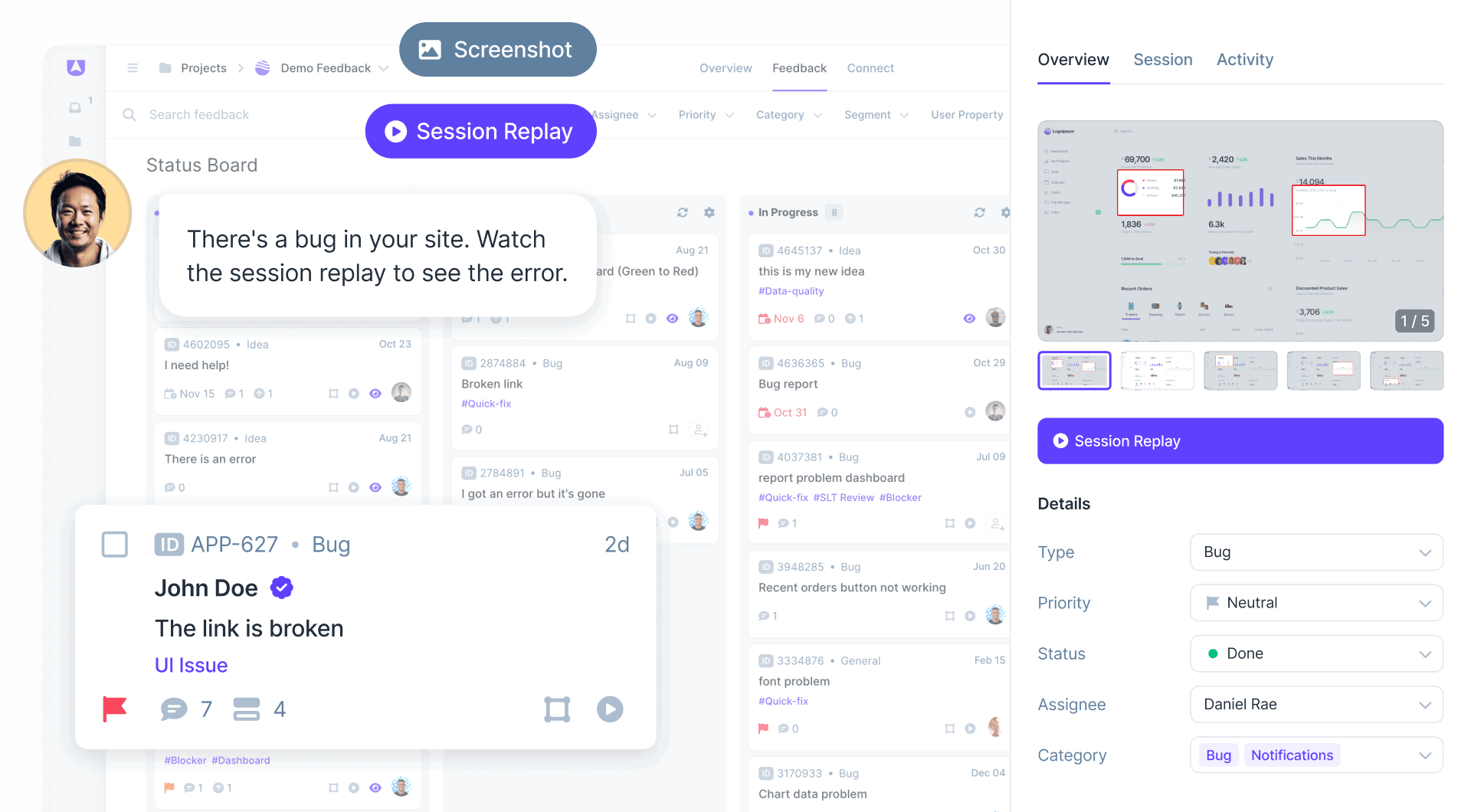
Centralize everyone in one website feedback tool, allowing your team to prioritize issues and resolve them faster.
- Capture surveys, bugs and feedback together
- Integrate with your favorite tools like Jira and Slack
How to Collect Visual Website Feedback
A website feedback tool captures user input with annotated screenshots, video recordings, and comments directly on web pages. Product managers see exactly what users experience rather than interpreting vague descriptions. Visual feedback eliminates miscommunication by showing the precise location and context of issues, suggestions, or questions.
How It Works
1. Install: Add the widget with a code snippet or browser extension. Customize to match your brand. 2. Collect: Users submit feedback with annotated screenshots, recordings, and comments showing exact locations. 3. Act: Review in the dashboard, prioritize improvements, and route to development workflows.
Key Benefit
Teams understand user feedback immediately because they see exactly what users experienced. Visual context eliminates the interpretation gap between user descriptions and team understanding. Issues get resolved faster because there's no ambiguity about what needs to be fixed.
Best For
- Product teams collecting user feedback on web applications
- Web agencies gathering client revision requests
- UX teams understanding user pain points
- Marketing teams collecting website improvement suggestions
- Support teams receiving visual bug reports from customers
Popular Website Feedback Templates

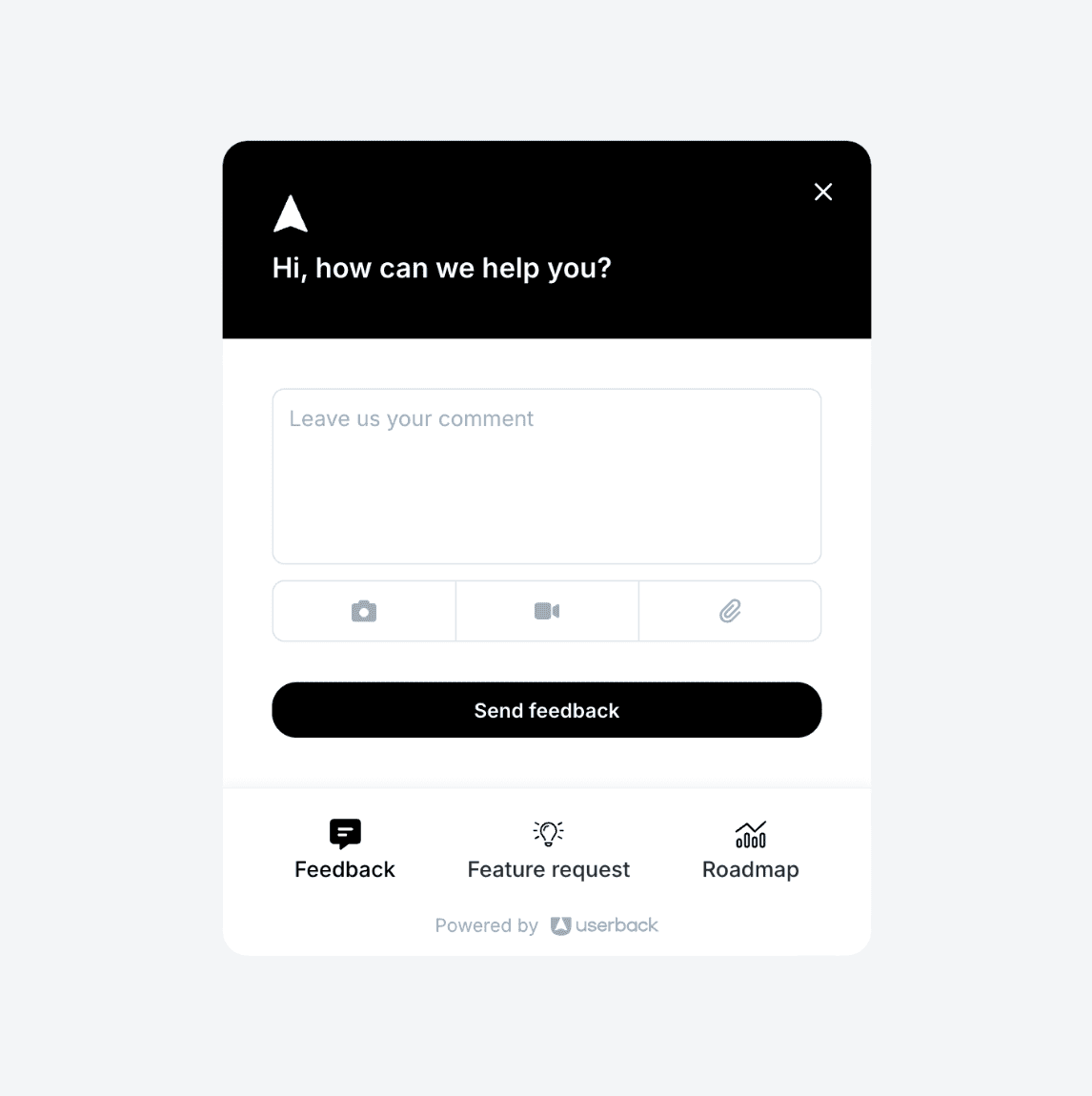

Ready to build better products with fast, actionable user feedback?
Start by harnessing the power of Userback’s advanced website feedback tools.

