Bug Tracking Tool
Bug tracking tool for faster issue resolution
Collect annotated screenshots, screen recordings, and metadata to quickly understand issues and resolve them faster with Userback’s bug tracking tools.

Join over 20,000 teams collecting more insights with Userback and user surveys

















Visual Bug Reports
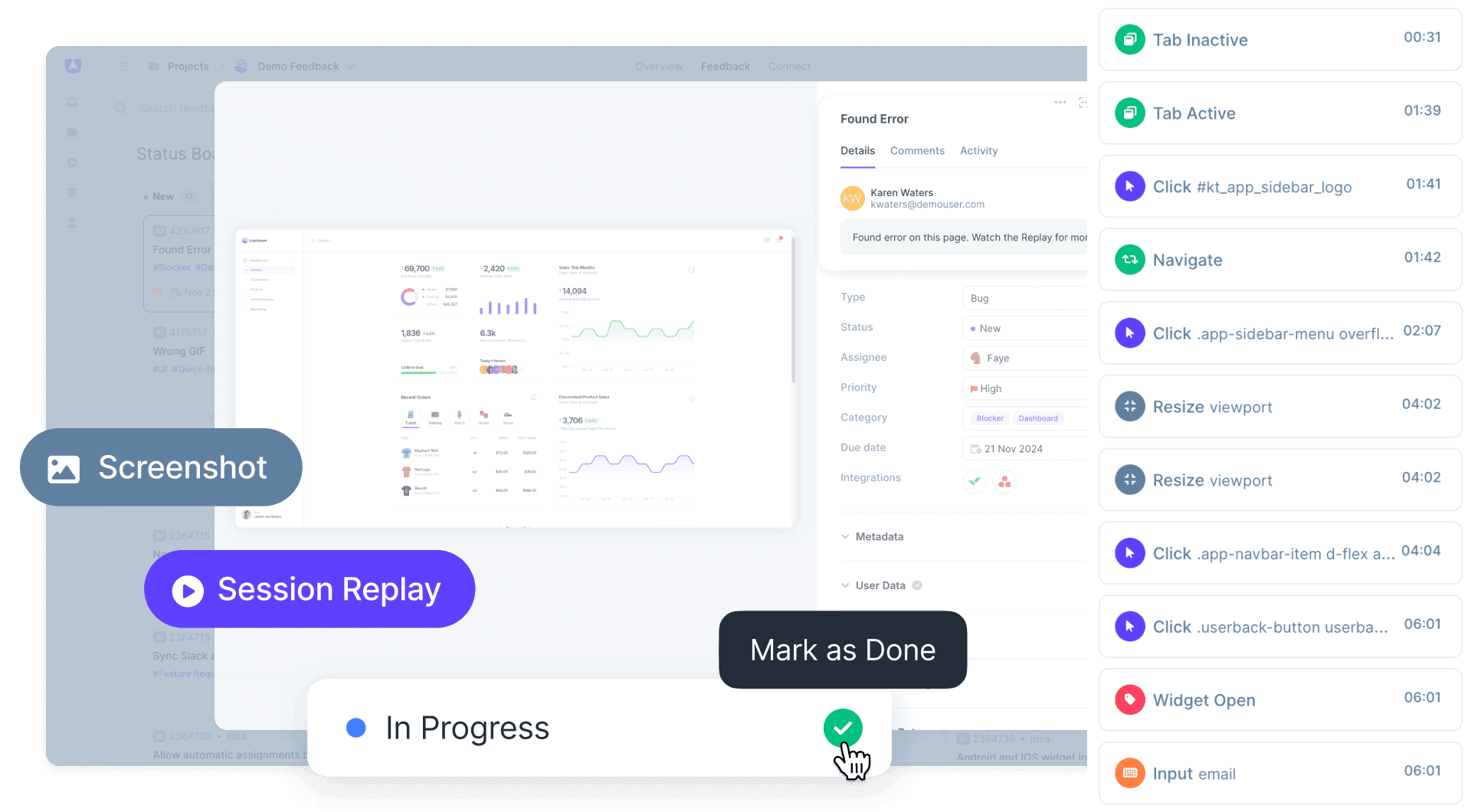
See what users see with contextual bug reports
Capture detailed bug reports with annotated screenshots, Session Replays, console logs and more. No more wasting time with vague bug reports!
- Capture metadata and save your developers time
- Let users report bugs without leaving your site
Manage Bugs faster
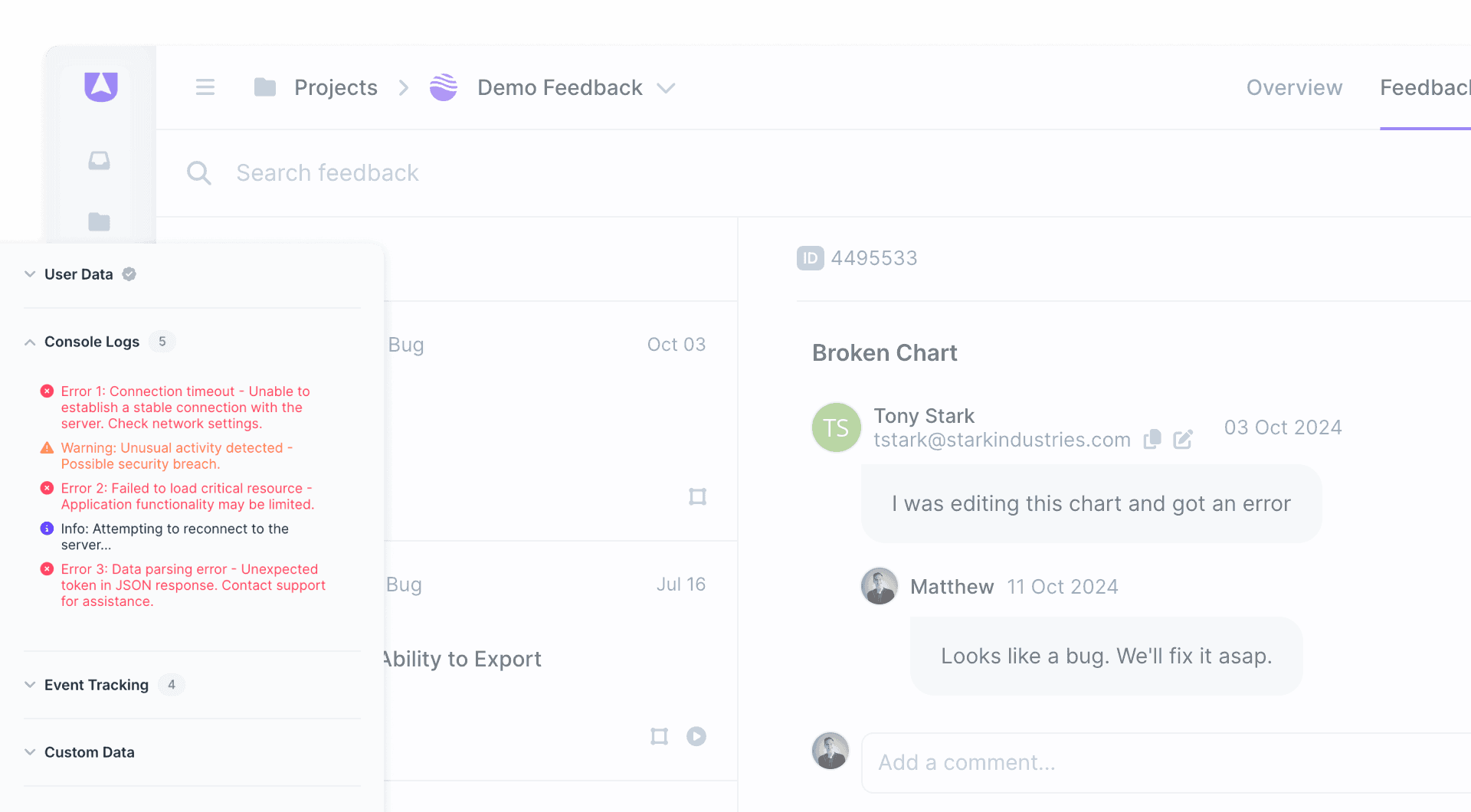
Track bugs and reply to customers in one place
Ditch email and spreadsheets and manage issues faster with a dedicated bug tracking tool. Assign issues to your team for fast resolution and follow up with customers to keep them in the loop.
- Manage issues across kanban and inbox views
- Connect integrations for 2-way status sync
Streamline Workflows
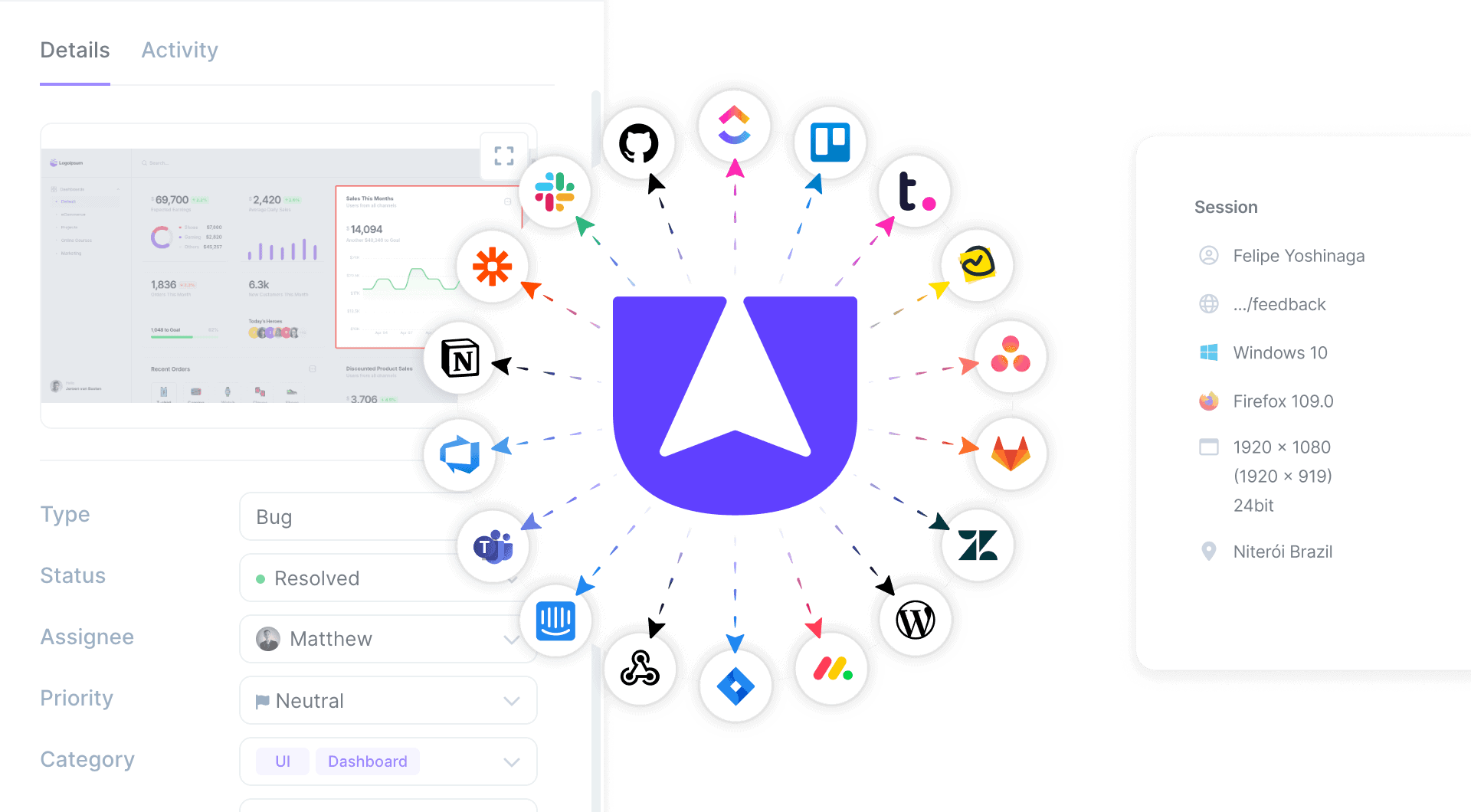
Send bug reports to your existing tools
Save your developer’s time by automatically sending detailed bug reports to their existing tools with Userback’s powerful Integrations.
- 2-way sync with Jira, ClickUp, and many more
- Customize your bug tracking with a REST API
Browser Extension
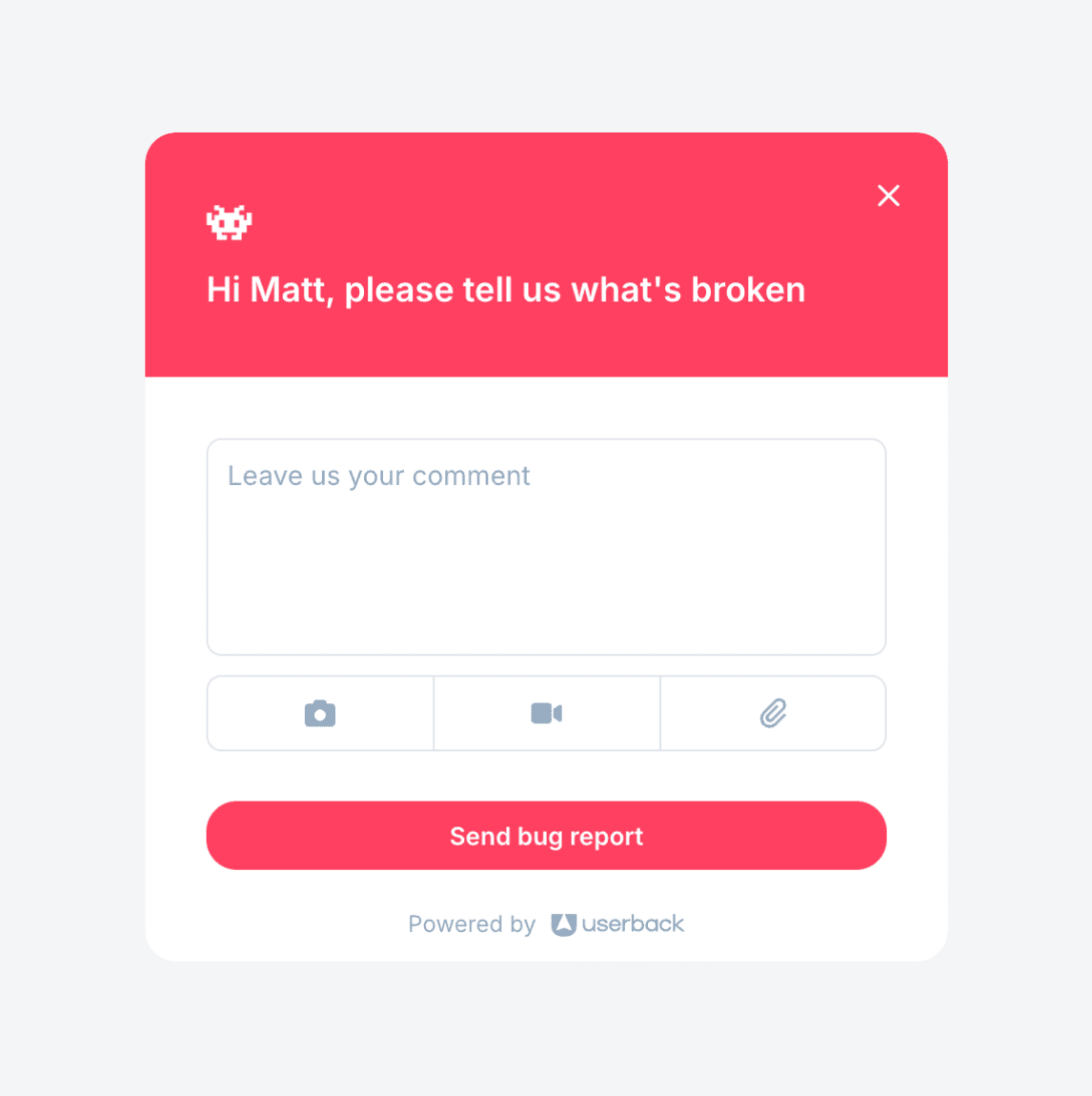
Lightning fast QA and internal bug reports
Instantly report and track bugs during QA with zero-code needed! Use the Browser Extension for visual feedback and faster resolution.
- Perfect for QA and internal bug reporting
- Quickly report bugs with screenshots and video

How to Track Bugs Faster with Visual Feedback
Bug tracking with visual feedback captures annotated screenshots, screen recordings, session replays, and console logs alongside each bug report. This approach gives developers complete context to understand and reproduce issues without back-and-forth communication. Teams using visual bug tracking resolve issues faster because they see exactly what users experienced.
How It Works
1. Capture: Users submit bug reports with annotated screenshots, video recordings, and session replays directly from your site. 2. Manage: Organize bugs in kanban or inbox views, assign to team members, and sync with Jira, ClickUp, or GitHub. 3. Resolve: Developers get complete context including console logs and metadata for faster fixes. Update customers when resolved.
Key Benefit
Teams resolve bugs faster because they see exactly what users experienced. No more vague descriptions or time wasted trying to reproduce issues. Visual context eliminates miscommunication between users and developers.
Best For
- Development teams needing visual context for bug reports
- QA teams capturing detailed reproduction steps
- Product teams tracking user-reported issues
- SaaS companies reducing time-to-resolution
Popular Bug Tracking Templates


Userback has reduced the need for confusing back and forth conversations with clients trying to reproduce situations, so developers can fix issues faster.

Frequently asked questions
Bug tracking is the process of identifying, recording, and managing bugs or defects in software development. It is crucial because it helps developers keep track of known issues, prioritize their resolution, and ensure that the final product meets quality standards and functions correctly for end-users.
Userback streamlines bug tracking by providing a visual feedback tool that captures detailed, actionable bug reports directly from your website or application. It allows users to submit feedback with annotated screenshots, videos, session replays and descriptions, making it easier for developers to understand and reproduce issues. Userback is a powerful bug tracking tool that integrates seamlessly with popular project management and development software like Jira, Trello, GitHub, and Slack, allowing teams to sync feedback and bug reports with their existing workflows.
User feedback can significantly enhance bug reporting by providing real-world insights and detailed information about issues encountered during the actual use of the software. This feedback often includes context-specific details, screenshots, videos, and steps to reproduce the bug, making it easier for developers to understand the issue and fix it efficiently. For more on capturing high-quality visual context, see Bug Reporting.
An effective bug report should be clear, concise, and detailed. It should include a unique title, a detailed description of the issue, steps to reproduce the bug, the expected and actual results, screenshots or videos (if applicable), the environment details (e.g., operating system, browser version), and the severity level. Userback simplifies bug reporting by providing user-friendly tools that enable quick submission of visual feedback, including annotated screenshots and videos, directly from your website or application—giving developers all the information they need to understand and resolve issues faster.
Ready to simplify bug tracking with fast, actionable user feedback?
Start by harnessing the power of Userback’s advanced bug tracking tools.