
Template
Customer Effort Score (CES) Template
Easily survey and capture user effort to help nail your customer experience.
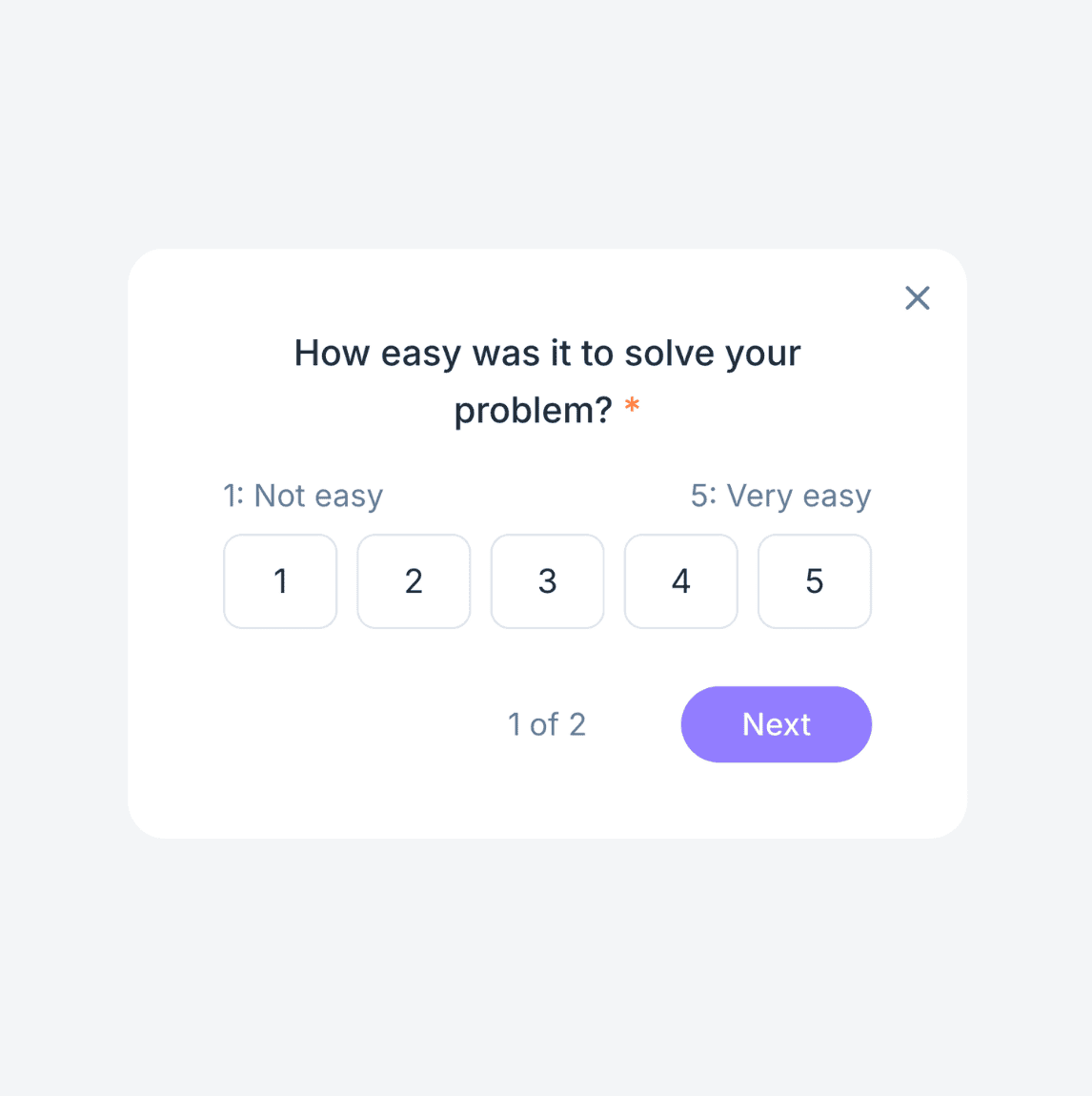
Join over 20,000 SaaS teams building better with Userback's customer effort score (CES) template.

















How the customer effort score (CES) template works
Way more than customer effort score (CES) templates!
Userback has everything you need to collect more feedback from your users and act on it faster.
-
Screen Annotation
Learn more →Enhance feedback clarity with screen annotations. Allow users to highlight, draw, and comment directly on the screen to describe their feedback in detail.
-
Video Feedback
Learn more →Capture detailed insights with video feedback. Empower users to provide feedback through annotated video recordings.
-
Session Replay
Learn more →Understand user behavior with session recordings. Capture and replay user sessions to see exactly how visitors interact with your website or app.
User feedback management is critical to our success. But it was slowing us down, until we discovered Userback.

Frequently asked questions
The customer effort score (CES) template helps you measure how easy or difficult it is for users to complete a task or interact with your product. Users rate their experience on a scale, and you can collect additional comments for deeper insights. Feedback is automatically recorded and organized, helping your team identify friction points and make improvements to enhance the user experience.
Yes! The customer effort score (CES) template is fully customizable, so you can tailor it to your specific needs. Choose which questions to include, adjust the design to match your branding, and configure triggers to display your survey to the right people at the right time.
Absolutely! The customer effort score (CES) template works across websites, web apps, and SaaS platforms. It’s easy to install and integrates effortlessly with your tech stack.
Getting started with Userback is simple! First, sign up for an account on our website. Once you’re logged in, you can customize your feedback widget to match your branding and needs. After that, just add the widget to your website or app by following our easy setup instructions. You’ll be collecting valuable user feedback in no time, and our intuitive dashboard makes it easy to manage and analyze feedback as it comes in.
Getting started with Userback is simple! First, sign up for an account on our website. Once you’re logged in, you can customize your feedback widget to match your branding and needs. After that, just add the widget to your website or app by following our easy setup instructions. You’ll be collecting valuable user feedback in no time, and our intuitive dashboard makes it easy to manage and analyze feedback as it comes in.
Ready to build better products with fast, actionable user feedback?
Start by harnessing the power of Userback’s advanced customer feedback tools, including our customer effort score (CES) template.