WordPress Plugin
WordPress and Userback
Add a customizable feedback widget to your WordPress site and easily collect visual feedback, bug reports, and user insights.











Work smarter with the Userback WordPress plugin
How the Userback WordPress plugin works
Capture Feedback
Capture feedback and bug reports from your site
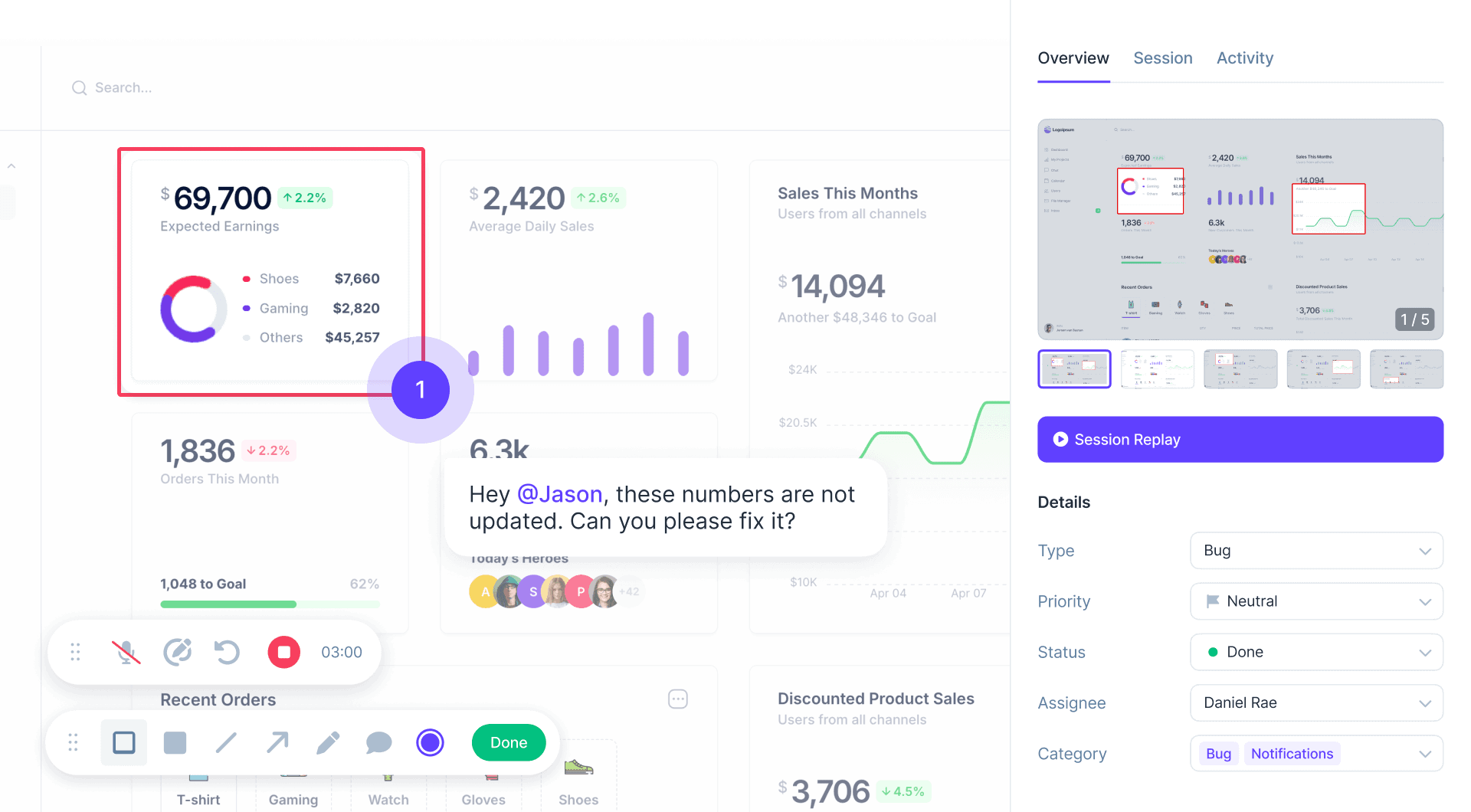
Use Userback to collect feedback directly from your WordPress website. Site visitors can provide detailed insights, including annotated screenshots, screen recordings, and comments, ensuring your team gets the full context.
WordPress Plugin
About the WordPress plugin
Add a customizable feedback widget to your WordPress site, capturing detailed feedback directly from the page with all the information needed to understand and resolve issues quickly. Easily manage collected feedback in Userback and seamlessly sync with tools like Jira, Slack, and more to enhance collaboration and streamline your workflows.

Userback is your all-in-one user feedback platform
Everything you need to quickly understand user feedback, so you can resolve issues and respond to customers faster.
-
Feedback Widget
Learn more →Effortlessly gather bug reports, feature requests, and general feedback directly from your users. The customizable feedback widget adapts to your needs, allowing for multiple feedback types in one place.
-
Session Replay
Learn more →Understand user behavior with session recordings. Capture and replay user sessions to see exactly how visitors interact with your website or app.
-
Automation
Learn more →Route feedback directly to the appropriate team member and apply due dates to ensure timely outcomes for your customers.
We truly appreciate how easy it is to use Userback. We were able to quickly implement it into our existing project workflow without having to change systems or greatly modify our processes. And their support is fantastic!

Get started with Userback today!
Start collecting feedback right away, with a quick and easy set-up.