
Screen Annotation
Enhance your feedback with annotated screenshots.
Let users highlight issues, share ideas, and give precise feedback by drawing on their screens.
Join over 20,000 product teams building better with Userback and screen annotation

















Screen annotation is a game changer for managing feedback.
Get more detail from users so you can assess issues and product feedback with greater accuracy.
Feedback management
Feedback closure rate
Communicate clearly
Visual feedback made easy
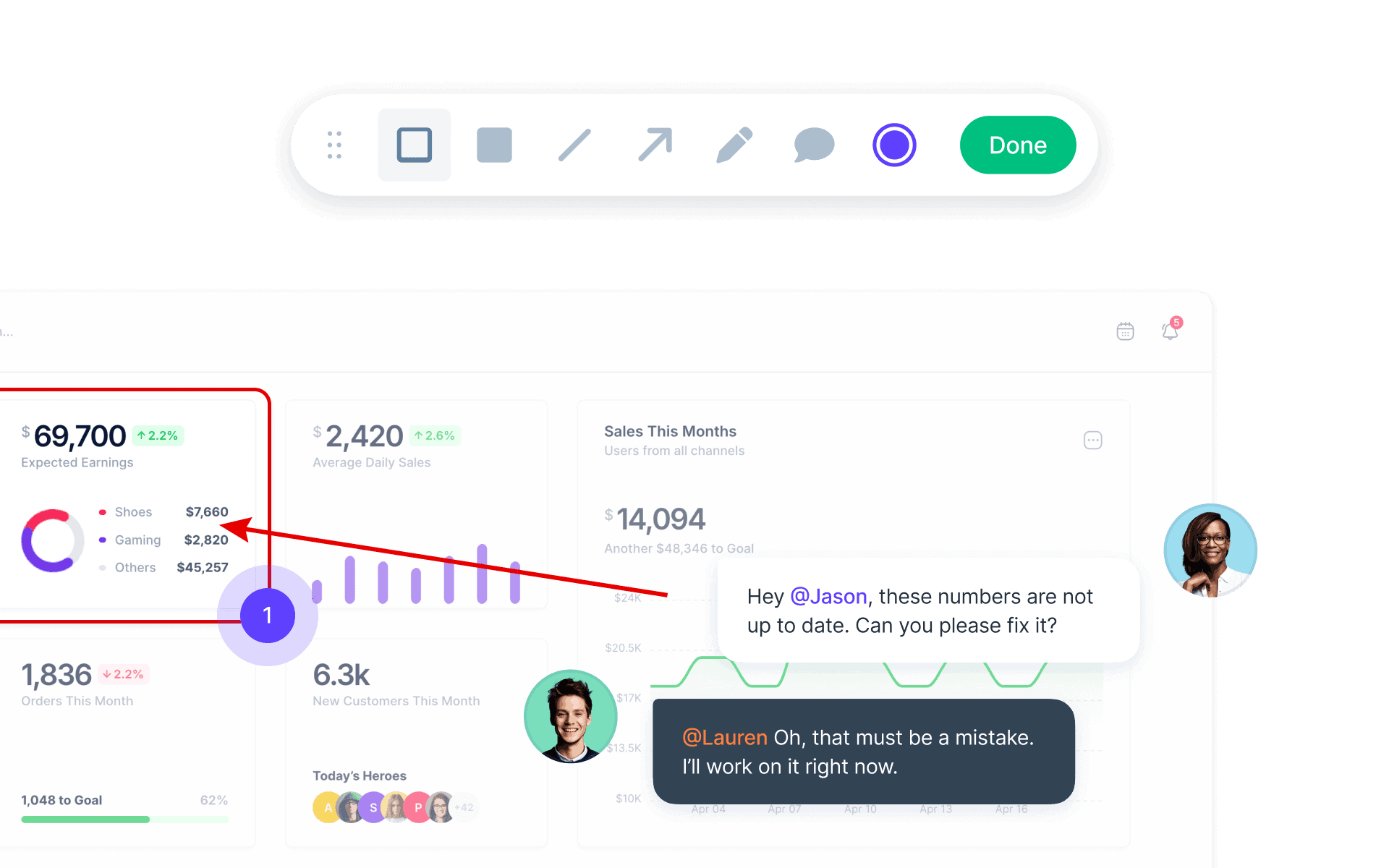
Allows users to capture their screens and add detailed annotations like arrows, boxes, and pinned comments. This makes it easier to identify specific issues or areas of concern and improves communication.
- Automatically capture session replays for even more context.
- Let users record their screen as an alternative option.
Act faster
Quickly resolve issues
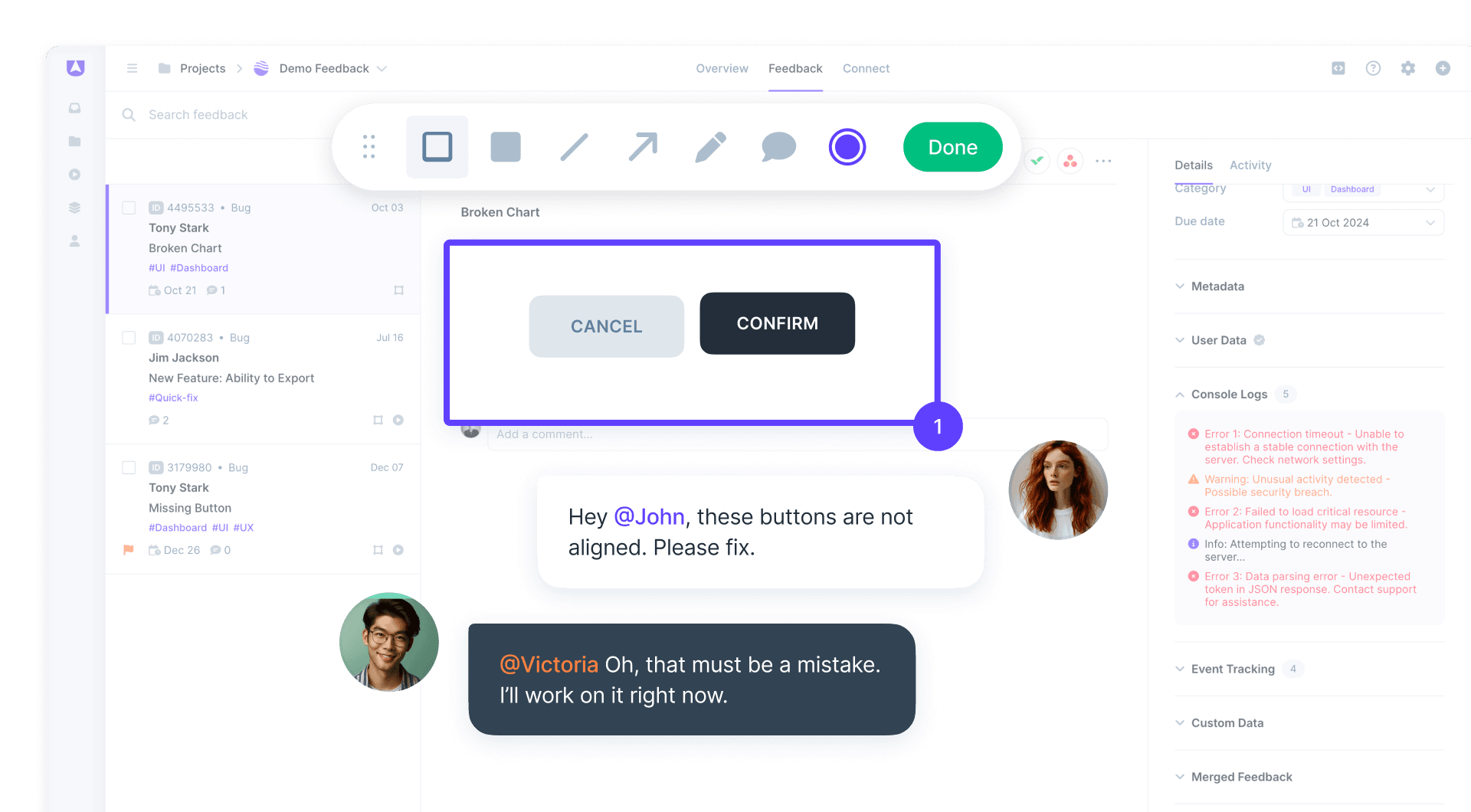
Screen annotations help your teams move faster by allowing users to show exactly what they mean. Whether it’s a bug, design issue, or general feedback, screen annotations make it quicker to diagnose and fix problems.
- Capture metadata and console logs to help your developers.
- Capture user data to help your support teams.

Easy to use
Works on all devices
Userback’s screen annotation tools are user-friendly and work across all devices and web browsers. Collect visual feedback from any site where users interact with your product.
- Protect sensitive information with privacy controls.
- Customize the tools to your needs with Userback’s REST API.

What is Screen Annotation?
Screen Annotation is a visual feedback tool that allows users to add precise markers, text, and highlights to screenshots directly within websites or applications. It includes arrows, circles, text boxes, and freehand drawing tools that help teams understand user feedback with visual precision. Screen annotation eliminates ambiguity in bug reports by showing exactly where issues occur.
What It Does
Enables users to draw arrows, circles, and shapes on screenshots to highlight specific areas. Adds text boxes and notes to explain issues in context. Provides freehand drawing for precise markup. Works across all devices and web browsers. Includes privacy controls to protect sensitive information and REST API for customization.
Key Benefit
Teams resolve issues faster because annotated screenshots show exactly what users mean. Visual markers eliminate the need for lengthy written explanations or back-and-forth clarification. Feedback becomes clear, professional, and actionable immediately upon submission.
Best For
- Reporting UI bugs with exact visual location
- Design review and feedback on web interfaces
- Client feedback on website development projects
- QA teams documenting visual defects
- UX teams collecting interface improvement suggestions
Get started with Userback today!
Start collecting feedback right away, with a quick and easy set-up.