
Customer Relationship Management Examples: How Feedback Enhances CRM


Customer Relationship Management (CRM) systems help businesses track interactions, manage relationships, and drive brand loyalty and customer retention rates. But without real-time customer feedback, CRM efforts risk being reactive instead of proactive.
By integrating feedback into your CRM strategy, you gain direct insights into customer needs, frustrations, and expectations, allowing for personalized experiences, quicker issue resolution, and long-term customer retention.
In this article, we’ll explore customer relationship management examples that showcase how feedback enhances CRM, industry use cases, and the impact of AI on CRM. Plus, we’ll show how Userback’s feedback tools work alongside CRM platforms like Zendesk and Intercom to improve customer satisfaction and build customer loyalty.
What is the Connection Between Good CRM and Feedback?
CRM platforms centralize customer information, but data alone doesn’t tell you what customers are thinking or feeling. That’s where feedback comes in.
Why Feedback is Essential for Good CRM
- Customer-Centric Insights – Feedback helps businesses understand the “why” behind customer behaviors.
- Proactive Relationship Management – Address customer concerns before they escalate.
- Continuous Improvement – Use direct feedback to refine products, services, and support strategies.
- Informed Decision-Making – Make data-driven CRM decisions that align with real customer needs.
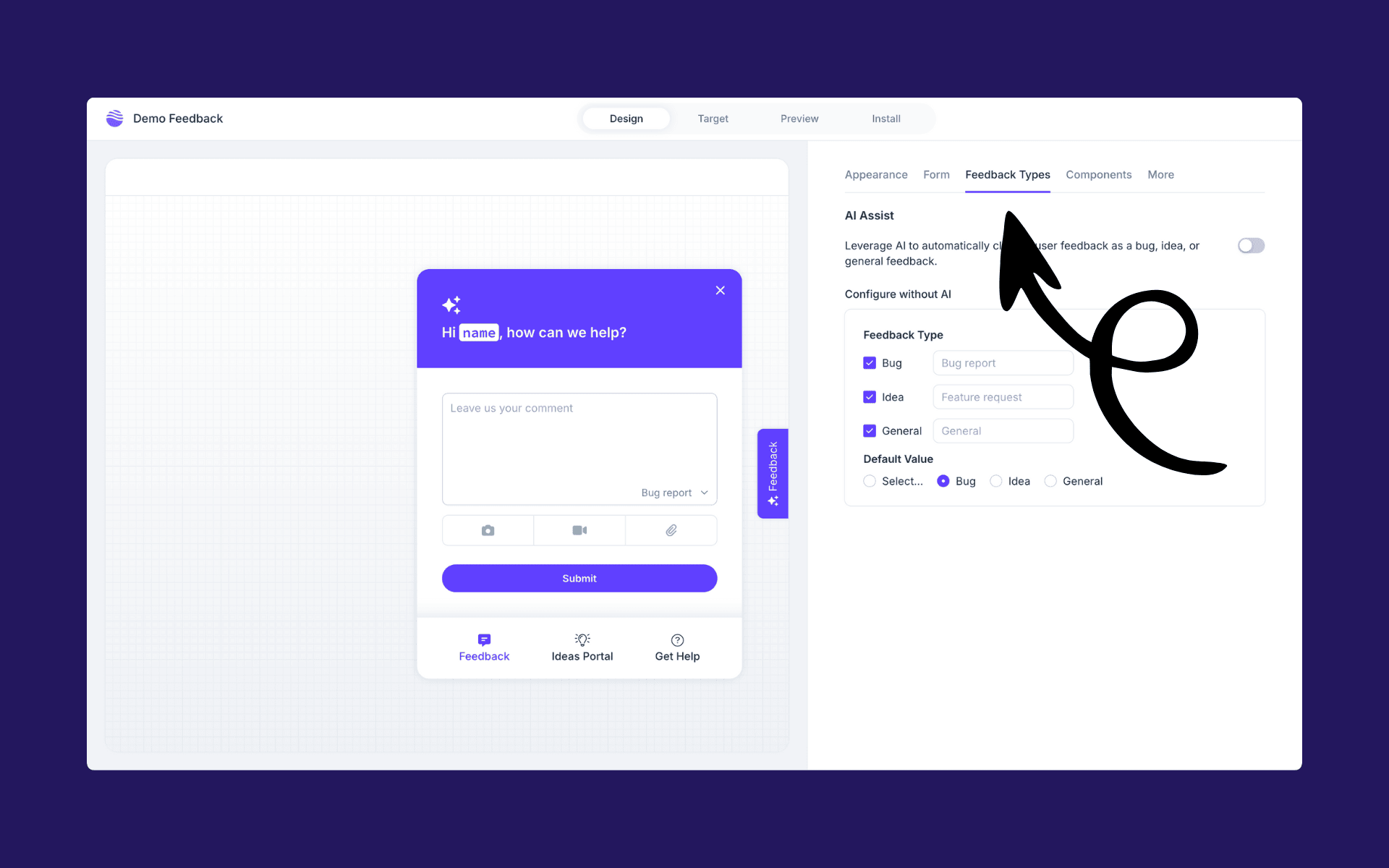
By embedding Userback’s feedback widgets and surveys into your customer interactions, you create a feedback loop that makes CRM actionable instead of just a database of contacts.
What are the Key Benefits of Integrating Feedback into CRM Software?
Personalized Customer Experiences
Customer expectations are higher than ever. When feedback is integrated with CRM, sales teams can personalize interactions based on actual customer sentiments and needs.
CRM Example: A SaaS company collects in-app feedback through Userback’s feedback widget. If a customer reports confusion during onboarding, the CRM software automatically triggers a personalized follow-up email with additional resources.
Proactive Issue Resolution
Instead of waiting for support tickets, businesses can track customer interactions and use real-time feedback to detect issues early and improve overall customer satisfaction.
CRM Example: A product team notices a spike in usability issues through Userback’s session replay feature. They proactively update the UI, reducing future complaints before they happen.
Improved Customer Engagement and Retention
Customers who feel heard are more likely to stay. Tracking sentiment and acting on feedback helps prevent churn.
CRM Example: A subscription-based business uses sentiment analysis to detect declining satisfaction and triggers retention efforts via their CRM software before the customer cancels.
Smarter Data-Driven Decisions
Combining feedback with CRM data management leads to more informed product and business decisions.
CRM Example: A product manager identifies recurring feature requests from feedback and prioritizes them in the roadmap, leading to increased user satisfaction and adoption.
Customer Relationship Management Examples: How Different Teams Use Feedback in CRM
Product Teams
Product teams use CRM to track customer preferences and ensure development aligns with user expectations. By using Userback’s in-app feedback tools, they can collect feature requests and prioritize development based on real user demand. Through sentiment analysis and session replay, they gain deeper insights into how users interact with new features, allowing them to refine the product roadmap based on actual feedback rather than assumptions.
Customer Support Teams
Customer support teams use CRM to streamline issue resolution and improve the customer satisfaction. By integrating Userback’s surveys and session replays, they can quickly analyze customer interactions to identify common pain points and address them before they escalate. AI-driven feedback analysis helps support teams detect sentiment trends and engage at-risk customers proactively, ensuring smoother customer service and better customer support.
Marketing Teams
Marketing teams use CRM data and feedback to optimize messaging and campaign effectiveness. By gathering insights from Userback’s feedback widgets, they can refine website copy, ad creatives, and email content to better resonate with their audience. Feedback also highlights pain points in the customer journey, helping marketing teams adjust strategies to increase engagement and conversion rates.
Marketing Automation Teams
Marketing automation teams use CRM feedback to enhance personalized customer interactions. By analyzing customer sentiment and engagement data, they can fine-tune automated email sequences and retargeting campaigns across the customer lifecycle. Userback’s feedback tools help marketing teams understand where customers drop off in the funnel and make data-driven improvements to boost retention and revenue.
Sales Teams
Sales teams use CRM and integrate feedback to better understand customer objections and pain points. By analyzing feedback trends, sales teams can manage customer interactions and tailor their pitches to address common concerns and improve customer acquisition rates. Sentiment analysis helps them prioritize high-intent leads, ensuring they focus their efforts on the most promising opportunities. Over time, this leads to a more effective sales process and stronger customer relationships.
Ready to start web application testing?
Try Userback’s visual feedback tools to execute testing with your team and users. Capture feedback and bugs with automatic screenshots, session replays, and console logs and analyze results.
Real-World Best Customer Relationship Management Examples Using Feedback
SaaS Company Enhancing Onboarding
A SaaS business integrates Userback feedback surveys with Intercom to capture user struggles during onboarding. Their CRM software flags users with negative feedback, triggering personalized support and improving activation rates.
E-Commerce Business Reducing Cart Abandonment
An e-commerce brand uses Userback’s exit-intent surveys to understand why users abandon their carts. Insights are sent to their CRM software, where automated email campaigns address objections and recover lost sales.
Customer Support Team Improving CSAT
A customer service team integrates sentiment analysis with Zendesk to monitor customer service and satisfaction trends. They adjust workflows and training based on real-time feedback, leading to improved customer service and higher CSAT scores.
Product Managers Validating Feature Roadmaps
A product team uses Userback’s feedback tagging to categorize feature requests. By linking this data with CRM customer data, they align product decisions with high-value customer needs.
Marketing Automation Enhancing Customer Engagement
A sales and marketing team integrates Userback’s feedback widgets into their website to gather insights on messaging effectiveness. When users provide feedback about unclear value propositions, the CRM platform triggers an automated workflow that segments via customer profiles and sends personalized follow-up content to address concerns and improve future marketing efforts.
What is the Role of AI in Feedback and Types of CRM?
AI is revolutionizing how businesses leverage customer feedback within CRM platforms by making insights more actionable. Traditional CRMs track interactions, but AI enhances this by analyzing sentiment, detecting trends, and identifying potential issues before they escalate. For example, Userback’s AI-powered sentiment analysis helps businesses understand customer emotions and prioritize responses, transforming CRM from a reactive tool into a proactive one. By integrating AI-driven feedback, companies can personalize customer experiences, resolve issues faster, and make data-driven improvements that enhance customer satisfaction and retention.
Types of CRM
Different types of CRM—operational, analytical, and collaborative—benefit from AI-powered feedback in unique ways.
- Operational CRM – Automate responses based on feedback, improving efficiency.
- Analytical CRM – Process large volumes of feedback to uncover trends that shape product development and customer support strategies.
- Collaborative CRM – Use AI to distribute insights across teams, ensuring everyone has the data needed to enhance engagement.
As AI evolves, businesses will rely more on predictive analytics and automation to refine customer interactions, turning feedback into a strategic advantage for long-term growth.
How to Integrate Userback into Your CRM Strategy
1. Capture Feedback at Key Touchpoints
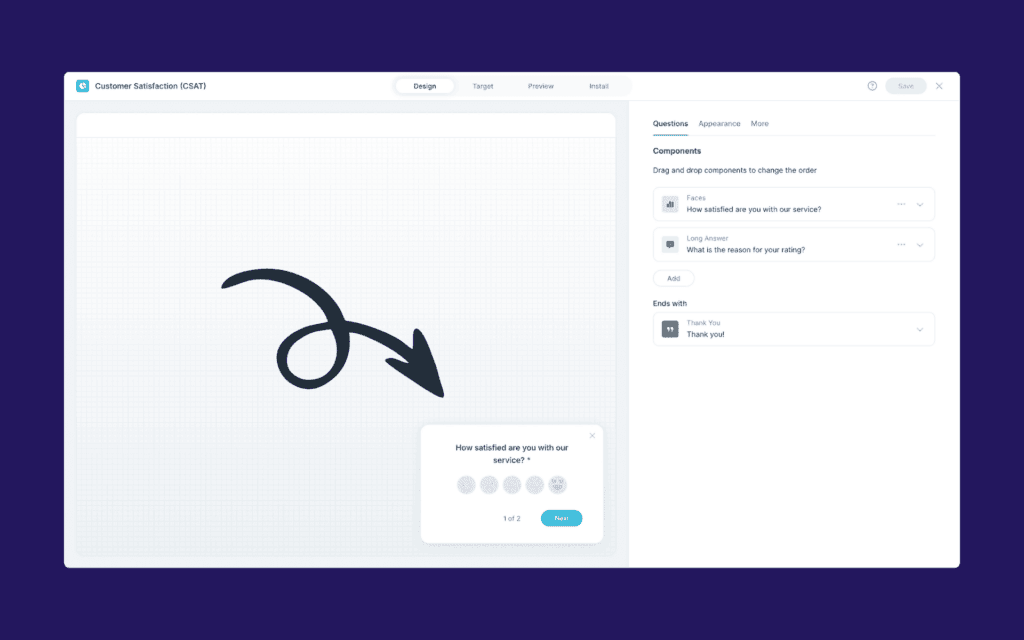
Use in-app surveys, feedback widgets, and session replays to collect feedback when it matters most.
2. Sync Feedback with Your CRM Software
Integrate Userback with Zendesk or Intercom to centralize feedback alongside customer data.
3. Analyze & Take Action
Leverage AI-driven sentiment analysis to detect trends and prioritize improvements.
4. Close the Feedback Loop
Respond to customers, implement changes, and notify users when their feedback has been addressed.


Conclusion
Integrating feedback into your CRM strategy ensures you’re not just managing customer relationships but actively improving them and helping to drive business growth.
With Userback’s in-app feedback tools, surveys, session replay, and AI-powered insights, you can transform your CRM from a static database into a dynamic system that improves customer relationships, drives engagement, retention, and growth.
🚀 Start a free trial of Userback today and take your CRM to the next level!